

We made it! It’s Annual Pass day at Disney World!
We woke up this morning, and we just couldn’t be any more excited about the new passes and our chance to buy one!
Until we got online.
So far, it hasn’t been as frustrating for us to purchase Disney World Annual Passes as it was for many Guests to purchase passes at Disneyland. The patience of those Guests people was really being tested, especially in the first several hours of pass sales.

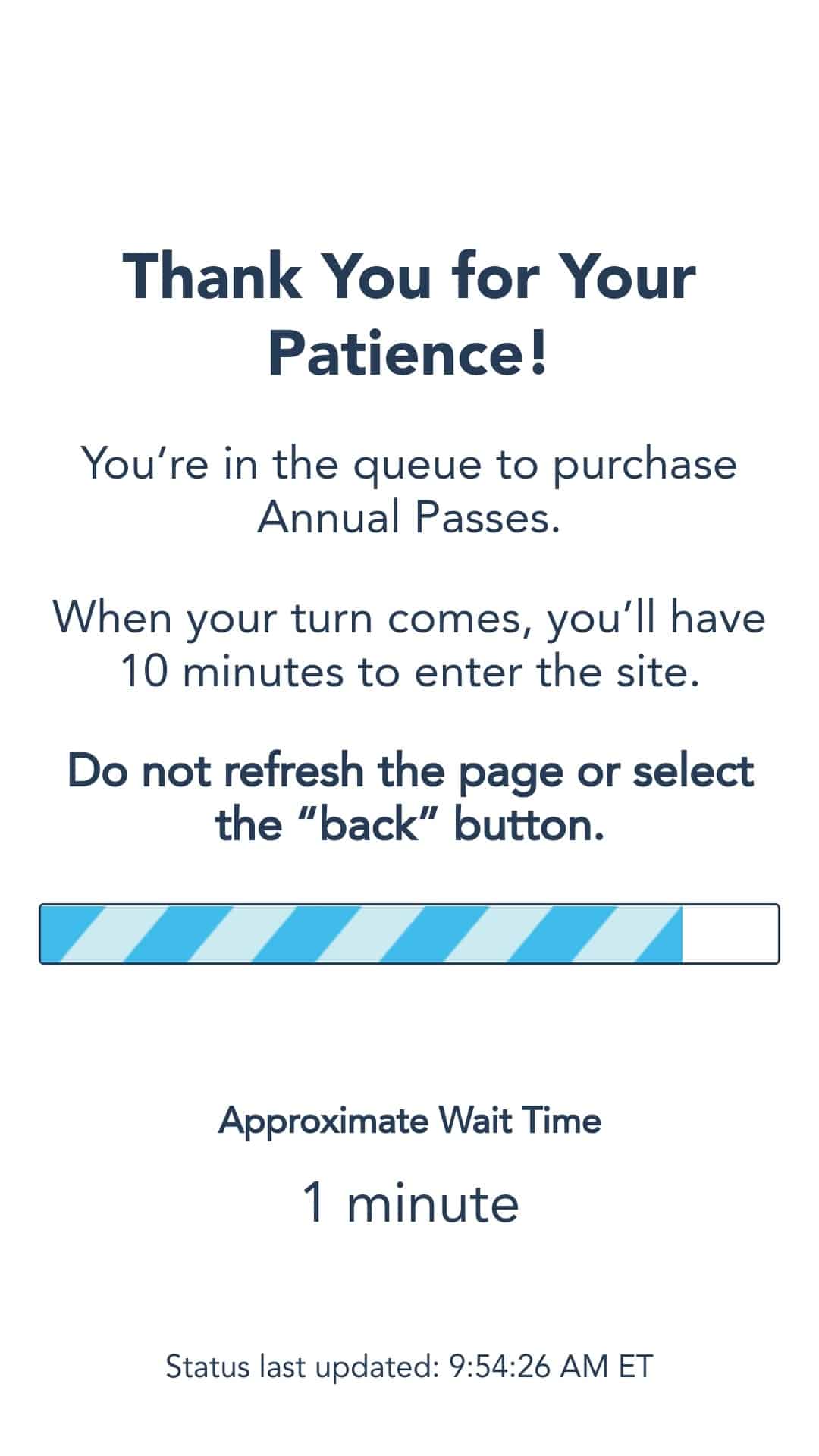
But just so we didn’t feel left out over here on the east side, Disney was only too happy to give us a cute little animated page to look at while we waited our turn in the queue, hoping to enter the annual pass purchase chamber and become the proud owners of a brand spanking new Disney World Annual Pass. (We got Big Thunder Mountain!)

Let’s walk through the process together, shall we?
Start here, at Disney World’s Annual Passholder page. From here, you’ll be directed to a page that allows you to click “View Passes.” That’s your doorway to the holding zone. You may first see a screen like this:

If so, click “Get Details,” which will take you into the queue.

The screen will give you an approximate wait time. This morning, the site wasn’t too far off on their estimates, although that “5 minutes” did run me about 8 or 9 minutes. Not bad, especially for the Disney World site.
Now you’ll wait for your blue candy cane to be fully grown.




We stayed on the “It is your turn” page for a few minutes while the site counted heads in the room to make sure we could enter. And then, we were ushered into the room–the one where we could finally buy our passes!
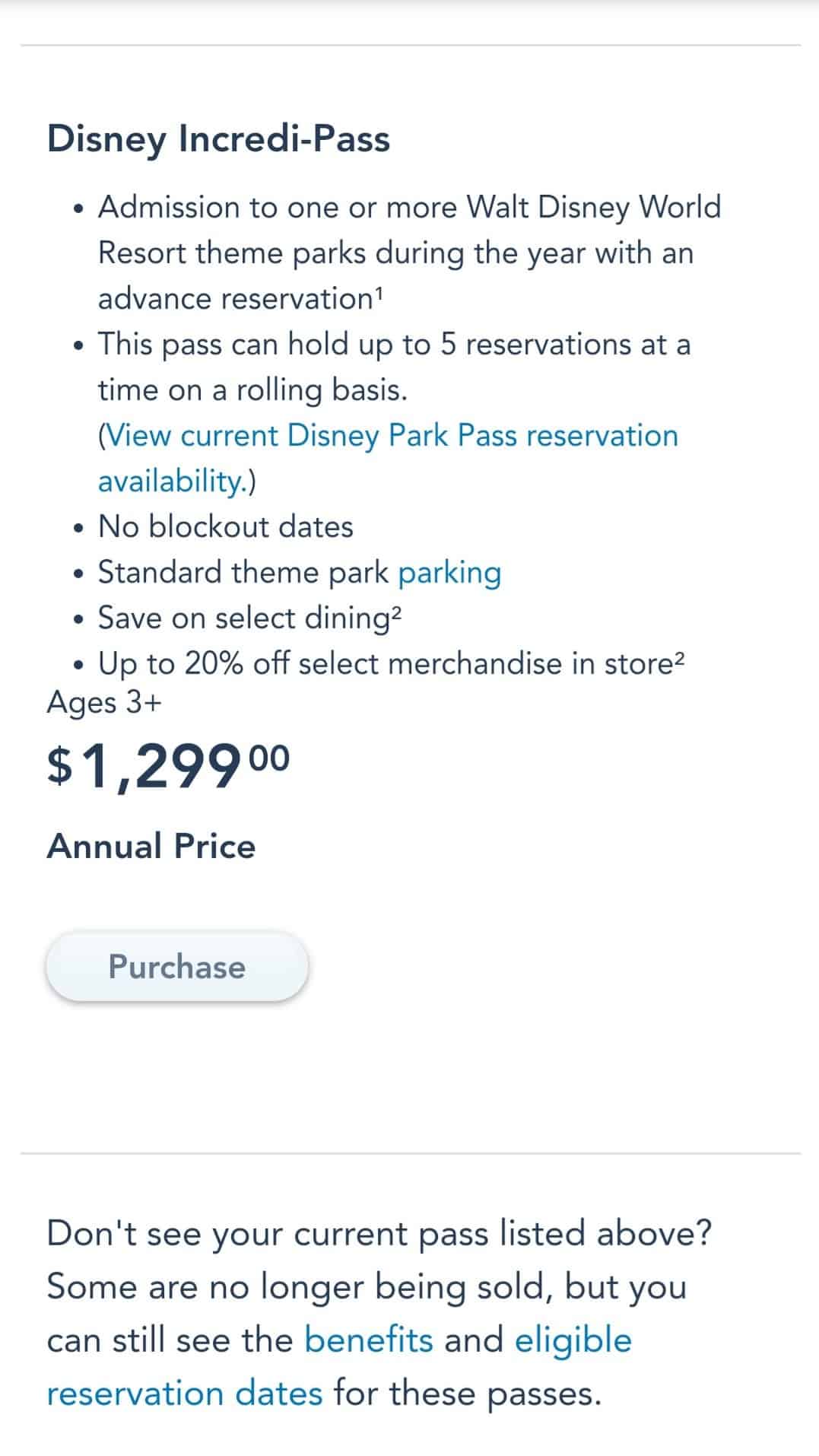
I’m a non-Florida resident, and since the Incredi-Pass is the only option for us, the site took us directly to this screen. Select “Purchase” at the bottom of the page. You’ll be directed to the Blockout Calendar page. Select the pass you’re purchasing, and the site will show you if there are any blockout days for yours. (On the Incredi-Pass, there are none.)
If you get this screen and you ARE a Florida resident, be sure you’re logged in. If you need help, you can chat online when a Cast Member is available or call Disney’s Annual Pass Customer Service number. It’s (407) WDW-PASS or (407) 939-7277.

Once you have selected your pass and made sure it’s the one you want, you’ll choose the number of passes you want to purchase and whether you want the option of PhotoPass downloads for each pass. (Remember those are additional fees of $99 per pass.)

You can choose to purchase PhotoPass MemoryMaker instead. There are three options there: the One-Day MemoryMaker for $69, the MemoryMaker Advance Purchase for $169 (you’ll have to wait 3 days after activation to use this one), and the MemoryMaker for $199 (this one is available for immediate use.)
Note that you cannot purchase MemoryMaker while you’re purchasing your annual passes. MemoryMaker must be purchased separately.

Once you click “Add to Cart,” the site will open a page to allow you to choose the members of your friends and family group for whom you’re purchasing passes. When you click “Select a Guest,” the drop-down menu is populated with the names of all the friends and family members with whom you’ve visited the parks and added to your Disney account.

You’re almost there! Now click “purchase.” You may be taken to a page that double-checks the contact information and birthdates of each of your friends or family members.
Now it’s time to purchase your passes! You’ll enter your payment information, and voila! You are now the proud owner of a brand-new Walt Disney World Annual Pass! What will you do with it first?


